Qu'est-ce que c'est ?
Affichez des icônes joyeuses et tristes et jouez des sons joyeux et tristes sur votre BBC micro:bit en appuyant sur les boutons A et B. C'est un excellent projet pour encourager les élèves à parler de leurs sentiments.
Comment ça marche
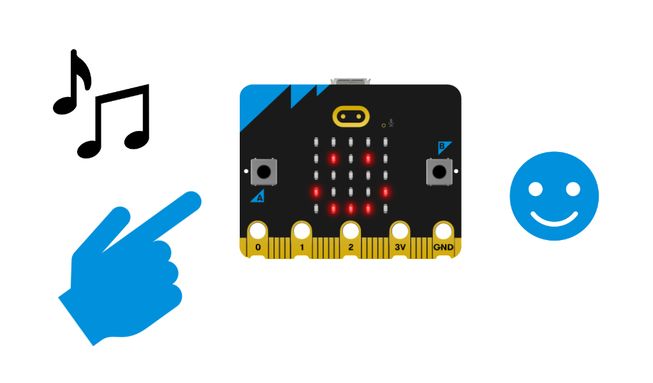
- Lorsque vous appuyez sur le bouton A, le micro:bit affiche une icône joyeuse sur son écran LED et émet un son joyeux.
- Lorsque vous appuyez sur le bouton B, le micro:bit affiche une icône triste sur son écran LED et émet un son triste.
- Inputs allow us to put data into a computer or device. Dans ce projet, les entrées consistent à appuyer sur les boutons A ou B.
- A detectable action, like a user pressing a button, is sometimes called an event in computing.
- An output is the processed information that is sent out from a computer. Dans ce projet, le résultat est constitué des icônes affichées sur l'écran du micro:bit et des sons diffusés par le haut-parleur du micro:bit.
Ce dont vous aurez besoin
- un micro:bit V2
- L'éditeur MakeCode
- coupleur de piles
Codez votre projet
Voici les blocs dont vous avez besoin pour faire le projet - il faut maintenant les mettre ensemble.
Instructions étape par étape
- Ouvrez le projet pour trouver les blocs dont vous avez besoin en utilisant les boutons ci-dessus.
- Trouvez et sélectionnez le bloc afficher l'icône heureux.
- Placez-le à l'intérieur du bloc sur le bouton A enfoncé.
- Trouvez et sélectionnez le bloc jouer à rire jusqu'à la fin.
- Put the play giggle until done block inside the on button A pressed block underneath the show icon happy block.
- Change the sound giggle to happy in the play giggle until done block.
- Find and select the show icon sad block.
- Put it inside the on button B pressed block.
- Now select the remaining play giggle until done block and put it inside the on button B pressed block underneath the show icon sad block.
- Change the sound giggle to sad in the play giggle until done block.
- Téléchargez le programme sur votre micro:bit, branchez un pack de piles et essayez-le!
Personnalisez-le
- Essayez d'autres sons dans le bloc jouer rire jusqu'à ce que ce soit terminé. Il y en a 10 au choix.
- Choisissez différentes icônes à afficher, telles que colère, confusion ou surprise.
Exemple de projet réalisé
Jetez un coup d'œil à un extrait de code finalisé.
Projets associés
Ce projet fait partie d'une collection de projets inclusifs avec des sons et des images.