MakeCode text programs
Files
These programs provide an alternative to the Microsoft MakeCode for micro:bit tactile cut-out blocks and MakeCode completed tactile programs. Suitable for use with a screen reader or for printing with a braille embosser.
You will need
- Optional: Braille embosser
Prepare
Print the programs that you require on a braille embosser.
Ensure you maintain the indentation from the Word document as this communicates the structure of the program.
Alternatively, these programs can be used with a screen reader.
Use
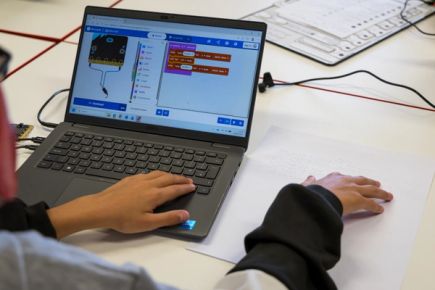
Use these tactile MakeCode text programs with Activities 3 through to 6 with the Getting started with screen reader activities for MakeCode for micro:bit. Each activity has specific guidance for using tactile resources to introduce concepts.
These resources show the completed programs. Explain that blocks from the toolbox may have different input values that can be changed when the block is in the workspace.
The toolbox category names are included in the text code followed by a dot, for example input.