Start small, think big: making physical computing work for every learner
Allen Tsui, micro:bit Champion and Computing Subject Specialist at Willow Brook Primary School in East London (United Kingdom), shares practical ideas for making physical computing accessible, inclusive and manageable in the new academic year.
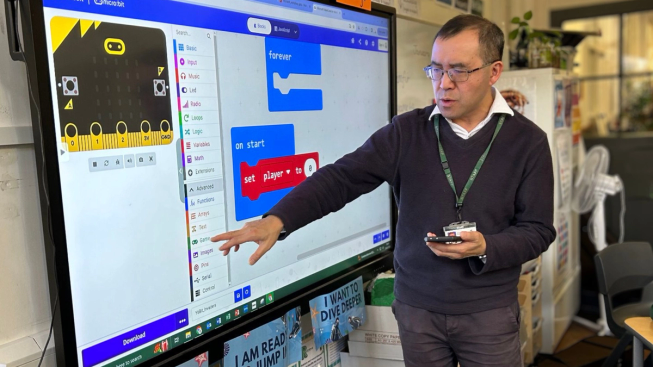
Allen Tsui, micro:bit Champion and Computing Subject Specialist at Willow Brook Primary School in East London.
The beginning of a new academic year brings fresh possibilities - but also a familiar challenge. How can teachers introduce exciting learning experiences while managing limited time, budgets and an already crowded curriculum?
When it comes to physical computing, my advice is simple: start small.
My own experience of computing began in the early 1980s, copying pages of code from monthly computer magazines - despite my parents’ suspicion that this new enthusiasm for computers would prove short-lived. More than 40 years later, I am still “thinkering”: thinking, tinkering and exploring what technology can make possible.
A learner’s first experience of physical computing does not need to involve a complicated project either. Shaking a micro:bit to trigger an animation or programming what happens when button A is pressed can be enough to spark curiosity and give a child that important feeling of “I made this happen.”
As you plan your first computing lessons of the year, one simple, successful interaction can be the best place to begin. The Meet your micro:bit activity provides an accessible introduction, while the Foundation’s collection of beginner projects allows teachers to choose activities by level, coding language, computing concept or micro:bit feature.
Different starting points for different learners
That first experience matters because not every child will be drawn to computing in the same way. Some may be excited by creating a video game, while others are more interested in movement, drawing or investigating the environment.
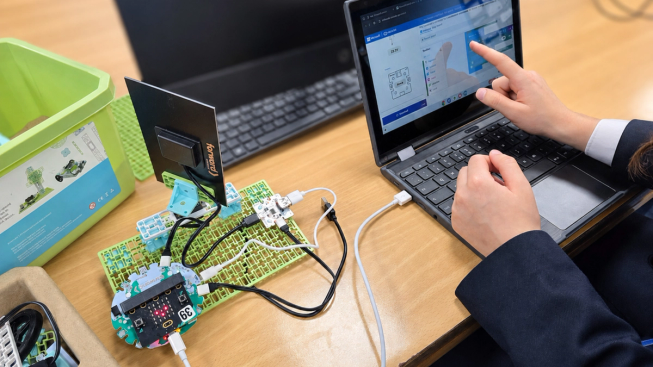
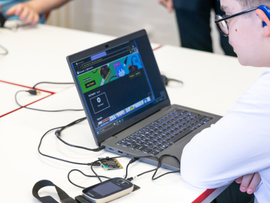
Hands-on physical computing allows learners to see how their code controls real devices.
At Willow Brook Primary School, where I lead computing, children as young as three begin experimenting with physical computing. The micro:bit has become an important part of helping us make these experiences accessible and inclusive because it allows us to connect coding with art, science, mathematics, physical activity and issues children encounter in their everyday lives.
By offering different starting points, we can widen participation and give more children opportunities to demonstrate what they can do. Teachers can find free lessons and units of work covering subjects and themes including art, music, science, physical activity and the environment, with resources that can be filtered by learners’ age.
Begin with something familiar
Some of our most successful projects have started with a familiar curriculum subject rather than with coding itself.
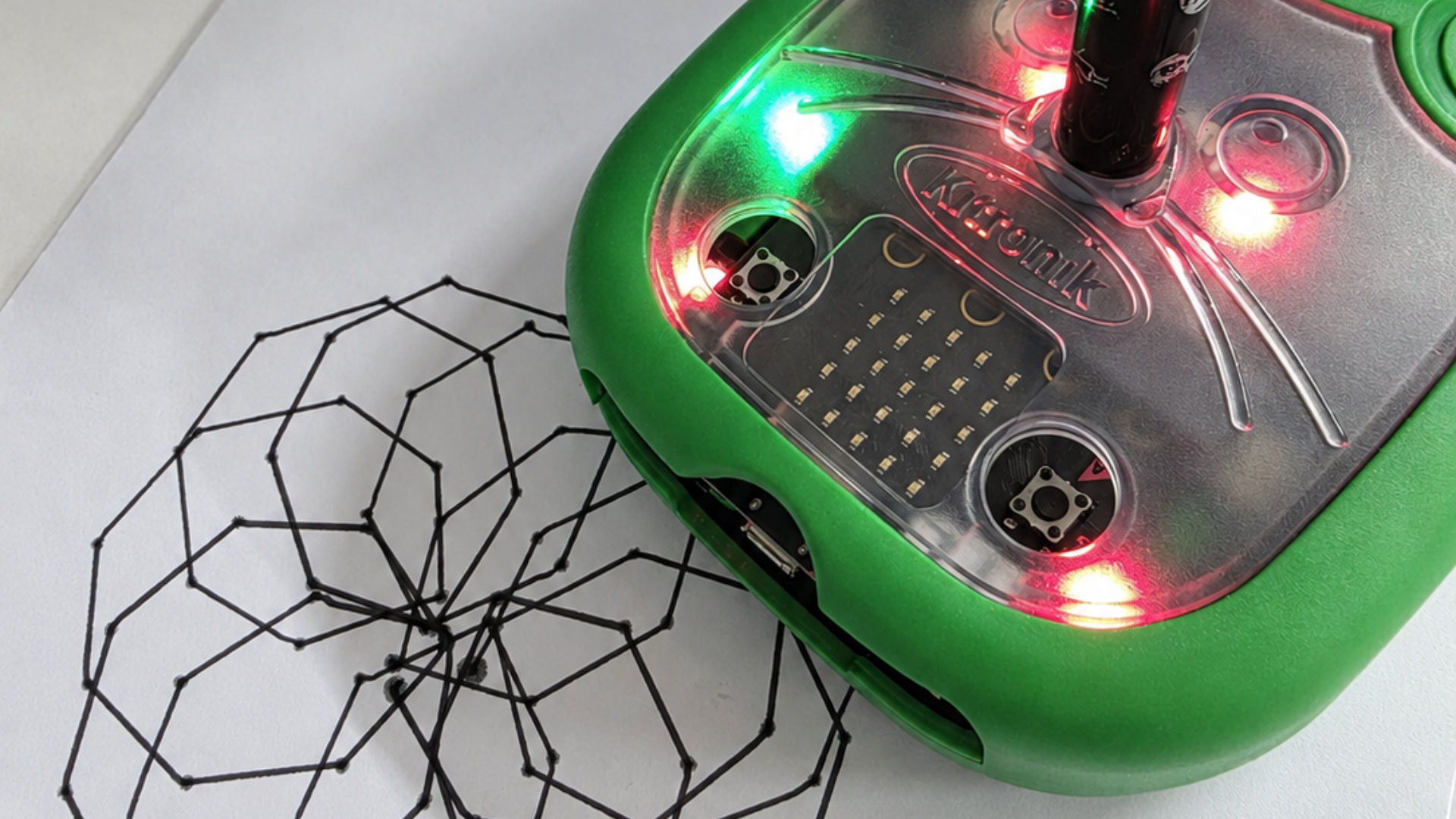
A micro:bit-controlled drawing robot transforms programmed instructions into a physical design.
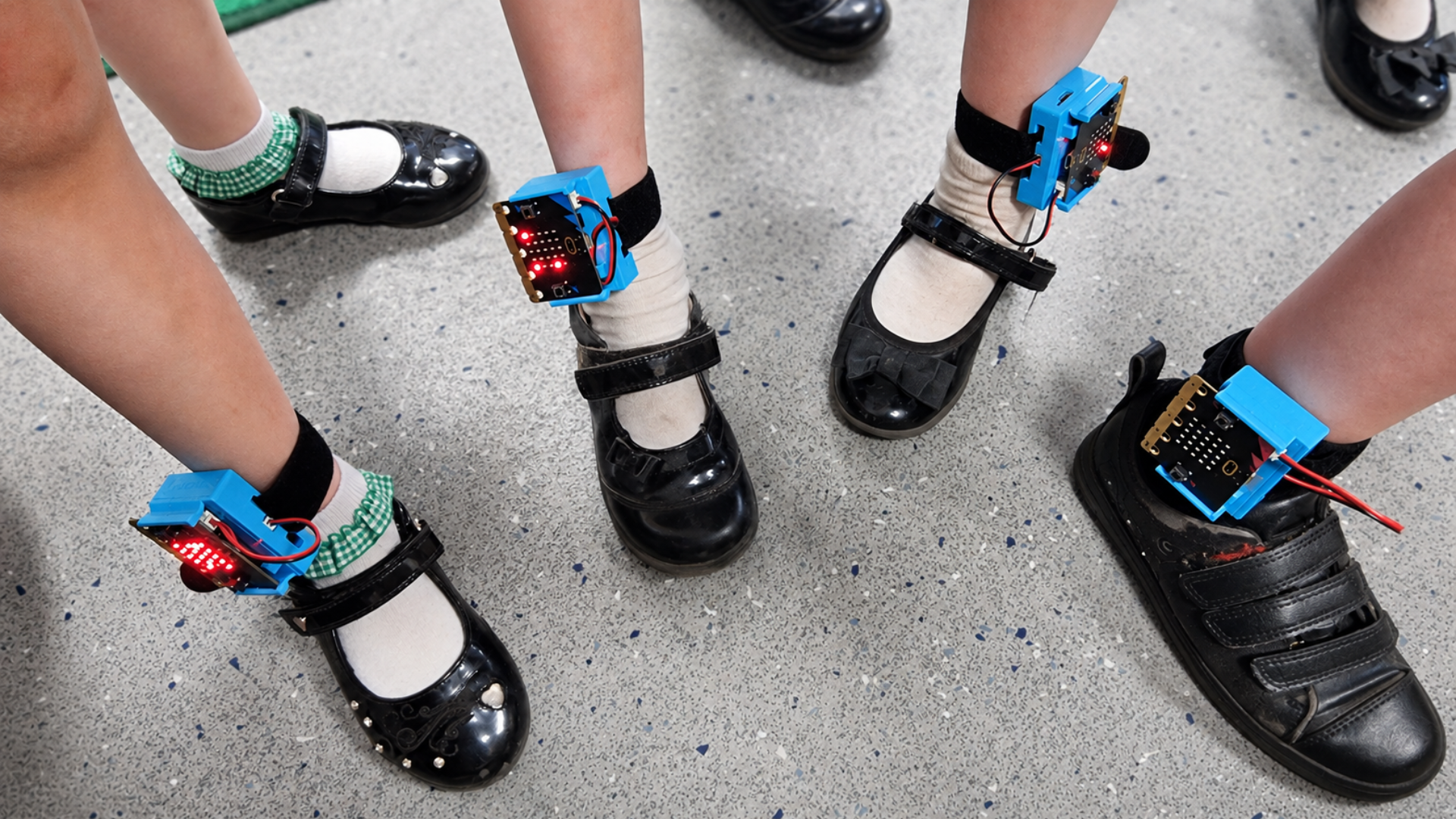
Wearable micro:bits combine coding with movement and physical activity.
Inspired by our art lead, we attached a pen to a micro:bit buggy so children could create drawings through code. Our analogue step-counter project combines programming, mathematics, science and dance, with children wearing micro:bit on their wrists and ankles while following a routine. Teachers can try a simple version using the Micro:bit Educational Foundation’s Step counter project or explore the five-lesson Getting active unit.
A digital thermometer project led to something even bigger. During a particularly hot summer, children coded their micro:bits to record temperatures of 40°C on an unshaded area of artificial grass in our playground. They then used their writing and scientific enquiry skills to present evidence for replacing the surface and planting trees to provide shade. The Environment exploration project offers a simple way for learners to begin using the micro:bit to measure temperature, sound and light.
Games can provide an equally valuable route into learning. Our micro:bit “Bit Invaders” game uses just 42 MakeCode blocks and can be taught in an hour, while introducing variables, loops and conditional statements. Familiar games such as Rock, paper, scissors can also make these concepts feel less intimidating.
These projects make learning relatable and purposeful. Children are not simply practising programming constructs: they are using technology to investigate, create and respond to the world around them.
Making physical computing manageable
Teachers may worry that they do not have enough equipment, classroom space, curriculum time or technical confidence to get started. I understand those concerns: I also work with busy timetables, limited staffing and quick transitions between classes.
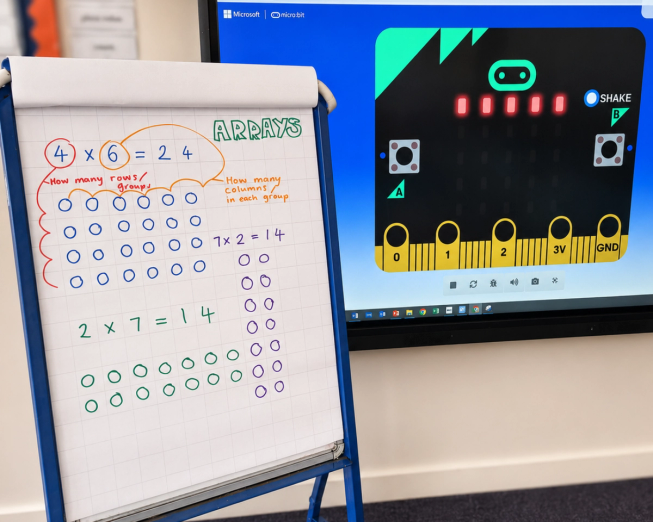
Connecting the micro:bit with familiar curriculum concepts can create new routes into coding.
Physical computing does not need to take over the curriculum. For the first few weeks of term, choose one familiar topic and look for a single way to enrich it. A science investigation, mathematical concept, piece of music or artwork can all provide a starting point.
For teachers looking for a ready-made sequence, First lessons with MakeCode and the micro:bit provides six lessons based around practical projects including step counters, nightlights and games.
The Foundation’s free Classroom resources can help with preparation and delivery too. They include printable student handouts, feature posters, planning sheets, certificates and troubleshooting guides for transferring code from computers and tablets.
Pupil digital ambassadors can also make lessons easier to manage. At our school, older children help younger learners sign in, organise devices and begin activities. This develops their own confidence and leadership skills while allowing lessons to start quickly.
Build your own confidence
Teachers do not need to be expert programmers before using physical computing with their learners.
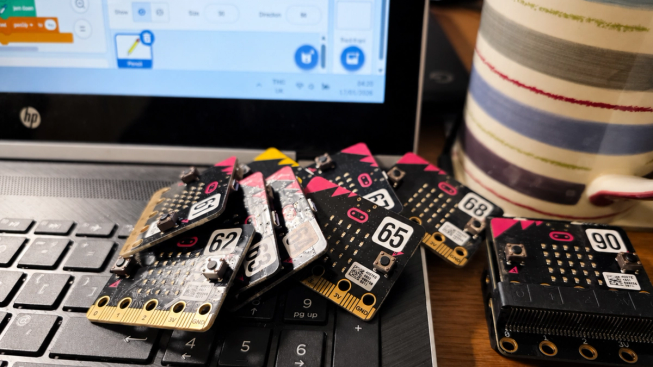
Clear labelling and simple organisation can make managing a class set of micro:bits easier.
The Foundation offers free, self-paced Professional development courses using short, friendly videos. For those who are completely new to the micro, the 30-minute Practical tips for teachers using the BBC micro:bit course covers the basics and offers advice for making the most of lesson time.
Other courses explore computing fundamentals, MakeCode, Python, sensors, sound, science investigations and design thinking, allowing teachers to build their knowledge gradually and focus on the areas most relevant to their learners.
Let small beginnings grow
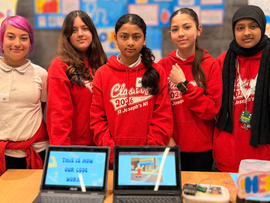
Our after-school Code Club began in 2016 with just a handful of children aged 7 to 11. It has grown gradually and now welcomes more than 100 children across sessions each week.
That growth did not happen because we began with complex equipment or advanced programming. It came from giving children regular opportunities to explore, make mistakes, share ideas and experience success.
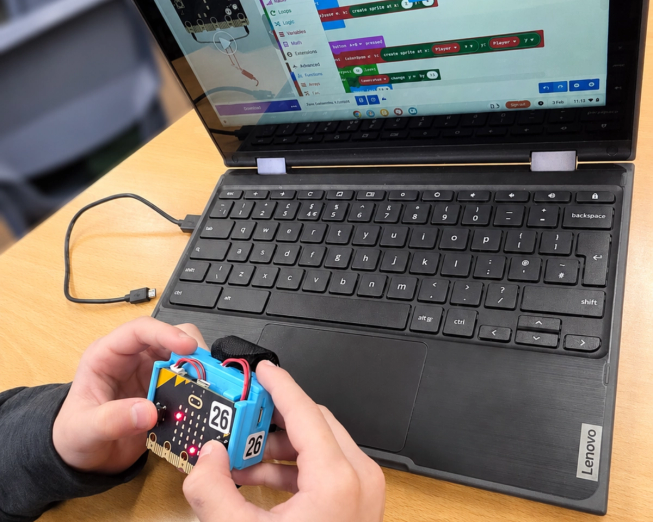
Physical computing gives learners a hands-on way to explore how code works.
A new academic year does not require an entirely new computing programme. Begin with one device, one idea and one successful experience. As confidence grows - both for teachers and learners - you can build from there.
Choose one familiar curriculum topic this term. Begin with a simple interaction and give children room to experiment. Most importantly, recognise the different ways in which they make progress.
The aim is not only to teach children how to write code. It is to help them develop the curiosity, creativity and confidence to shape their own digital futures.