5 ways to use the BBC micro:bit in sport
Use the BBC micro:bit to bring sport into your lessons, helping students get moving while building games, challenges and exploring performance.
The micro:bit is designed to make computing physical - making it a natural fit for sport and movement-based activities.
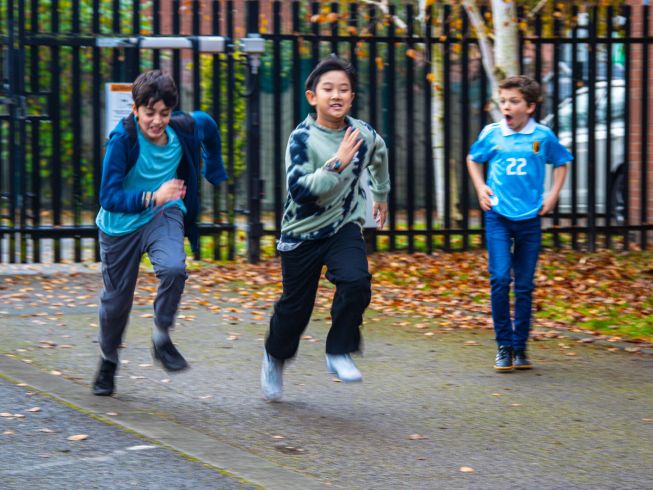
Students take part in a running challenge, showing how the micro:bit can be used to connect movement, sport and computing.
With built-in features like an accelerometer, radio, compass and Bluetooth, students can take their code off-screen and into real-world contexts. Whether it’s tracking movement, analysing performance, or creating interactive games, the micro:bit helps bring computing to life.
Here are five ways to combine sport, data and creativity in your classroom.
1. Track activity with a step counter
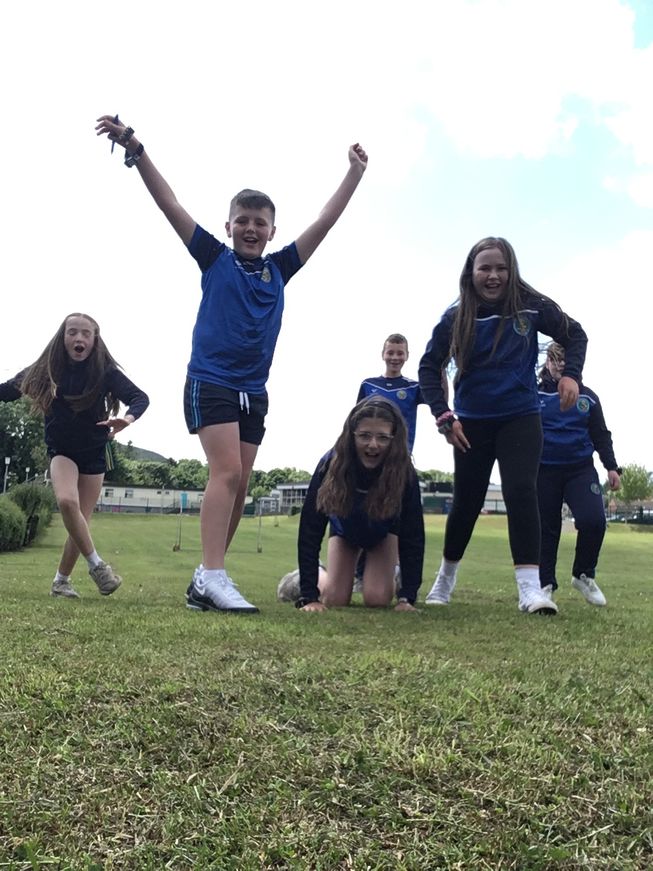
St. Mary's Primary School, Mullaghbawn have fun tracking their steps with the micro:bit
Turn everyday movement into a coding project by creating a step counter.
Students can use the micro:bit’s accelerometer to detect motion and count steps, helping them understand how sensors work while exploring concepts like variables and data collection.
This simple project is a great introduction to physical computing and can be extended into challenges - such as comparing activity levels or setting movement goals.
2. Measure performance with data logging
Combining data and sports is not only a lot of fun but mimics those real-world skills used by high performance athletes. You can use the kick strength project to measure performance and gather data to spark interesting discussion and reflections.
The CBBC programme The Football Academy gave it a go to test who had the strongest kick, using the accelerometer to measure acceleration. It was a great way to see how professional sports teams and players work with scientists to improve their performance by collecting and analysing this kind of data.
3. Design movement-based games
Use the micro:bit to design interactive games that get students moving.
From reaction timers to activity challenges, students can build and test their own ideas - developing problem-solving skills while linking computing with physical activity.
These projects work well in both computing and PE lessons, encouraging creativity and collaboration.
It can be tough to get motivated to move, but you can use your micro:bit to make fun games out of sports for your learners. Physical Education teacher, Mr Johnny Ling, collaborated with colleagues Ms Ivy and Mrs Noradila, who are also micro:bit enthusiasts. Together they incorporated the micro:bit into PE lessons at Chung Hua Syn San Tu National Chinese Primary School in Malaysia. They even won a gold medal in an international educational innovation competition!
4. Create a dance routine
Combine coding and movement by creating a dance routine game.
Using count-controlled loops and a sequence to help create a dance routine, this project can be easily customised to include as many steps as you like. You can even add in the disco lights project for extra party ambience.
Maryville Middle School in Missouri, USA programmed the dance moves onto the micro:bit MakeCode simulator to hold a dance-off in their class, check out their fabulous moves on their social media post.
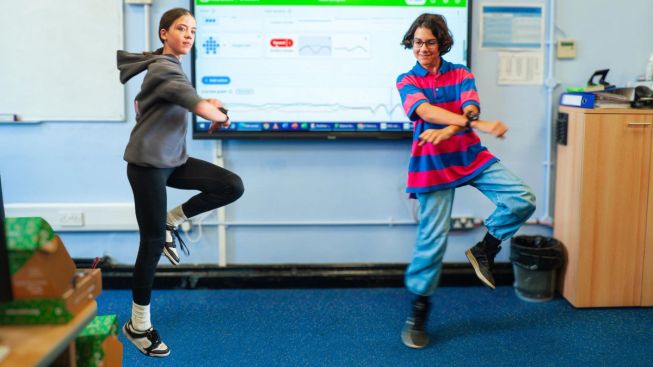
Students create and perform a dance routine, using the micro:bit to combine movement and computing.
5. Investigate AI in sport
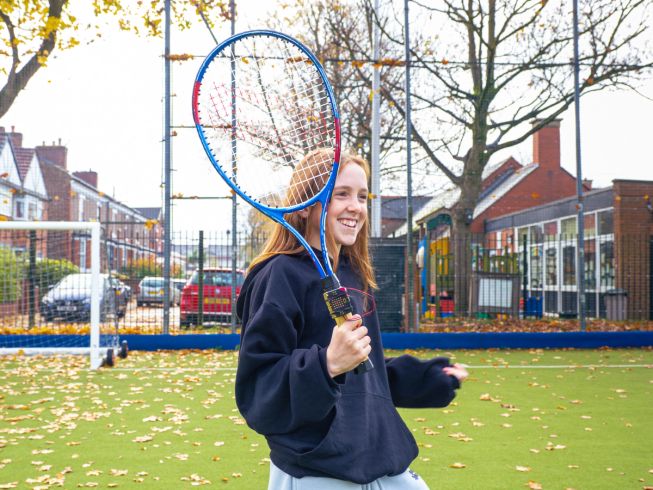
Using a micro:bit with a tennis racket to measure movement and explore performance in sport.
Introduce students to AI concepts through movement and activity.
Projects like the Simple AI exercise timer and AI sports data logger use real-world inputs to explore how systems can recognise patterns and respond to behaviour.
These activities provide an accessible starting point for understanding how AI can be applied in areas like sport and health.
Further resources
Webinars
Join free webinars to learn how to use the micro:bit across subjects, including: Using the micro:bit in subjects like sport, music and design webinar
Class code-along
Take part in a free code-along and create a sports activity picker with your class.
Lessons
Download sport-themed units of work:
More inspiration
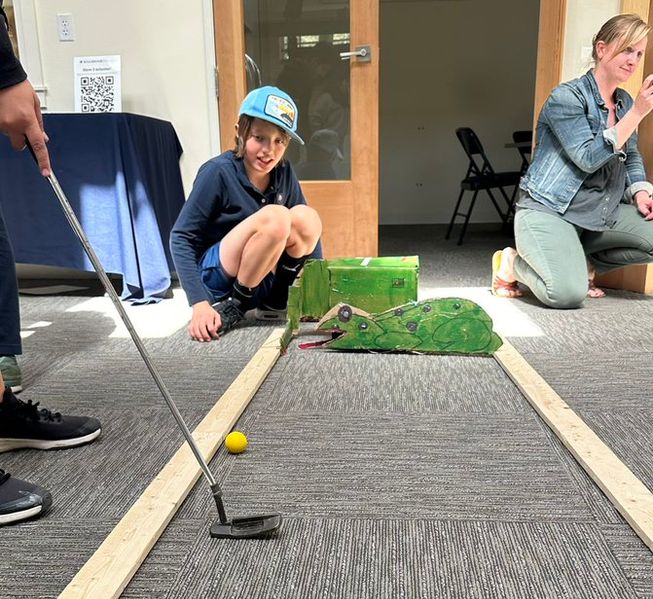
Hillbrook School in CA, USA give minigolf a go
And if those ideas aren’t enough for you, there are more sporty ideas from social media:
- Build your own golf course
- Freeze tag
- Goal predictor: Ferryhill School predicted Scotland not winning the Euros
Share your experiences
Try some of the ideas here, or be inspired to create your own projects! If you’re getting sporty with your micro:bit , we would love to see what you do. Share your experience on Instagram or Facebook.