Co to jest?
Potrząśnij swoim micro:bitem, aby usłyszeć fajną melodię. Ten projekt jest idealny dla uczniów początkujących z micro:bitem, ponieważ używa tylko dwóch bloków.
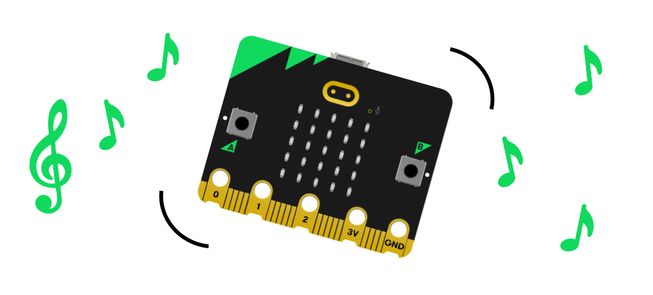
Jak to działa
- Twój micro:bit zawiera akcelerometr, który wykrywa ruchy.
- Gdy akcelerometr wykryje potrzęsienie, program poleca micro:bitowi, by zagrał melodię.
- Dane wejściowe umożliwiają nam umieszczanie informacji wejściowych w komputerze lub urządzeniu. W tym projekcie dane wejściowe są potrząśnięciem.
- Dane wyjściowe są przetwarzonymi informacjami wysyłanymi z komputera. W tym projekcie wyjściem jest muzyka odtwarzana z głośnika micro:bita.
Czego potrzebujesz
- micro:bit
- Edytor MakeCode
- pakiet baterii
- opcjonalnie głośnik i krokodylki, jeśli używasz micro:bita V1
Zakoduj swój projekt
Oto bloki, których potrzebujesz, aby stworzyć projekt - teraz je połącz.
Instrukcje krok po kroku
- Otwórz projekt, aby znaleźć bloki, których potrzebujesz za pomocą przycisków powyżej.
- Znajdź i wybierz blok melodii do odtwarzania.
- Umieść blok melodii do odtwarzania wewnątrz bloku po potrząśnięciu.
- Pobierz program na swój micro:bit, dołącz pakiet baterii i wypróbuj!
Stwórz własny
- Wypróbuj różne melodie... Otwórz edytor melodii w bloku odtwarzania melodii. Wybierz kartę Galeria i wybierz inną napisaną już melodię do odtworzenia. Która jest Twoją ulubioną?
- Odtwarzaj melodię szybciej lub wolniej... Dostosuj opcję bmp (uderzenia na minutę) wewnątrz bloku odtwarzaj melodię na mniejszą liczbę, aby grać wolniej. Lub dodaj większą liczbę, aby grać melodię szybciej. Możesz wybrać liczby od 40 do 500, używając przesuwanej skali lub wpisując je.
Przykład ukończonego projektu
Rzuć okiem na gotowy kod.
Powiązane projekty
Ten projekt jest częścią zbioru projektów integracyjnych dla uczniów z dysfunkcją wzroku.