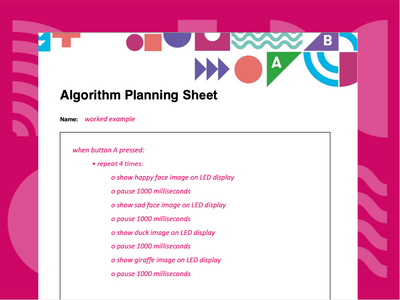
Use to plan algorithms before writing code.
Use to plan algorithms before writing code.
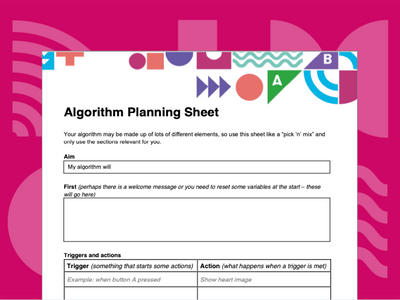
Help structure the planning process before writing code.
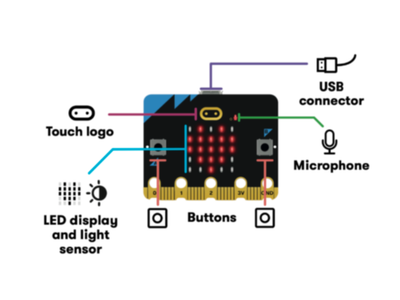
All the features of the micro:bit labelled.
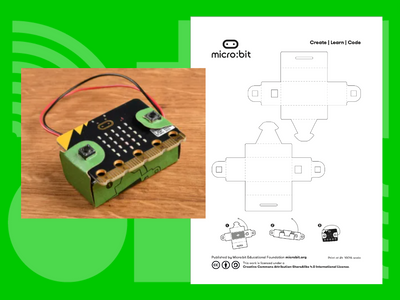
Print, cut out and make your own micro:bit battery pack holder.
Celebrate your students' achievements
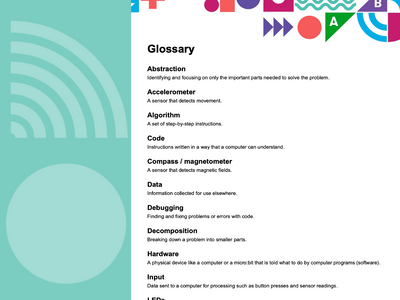
Summary of key computing vocabulary
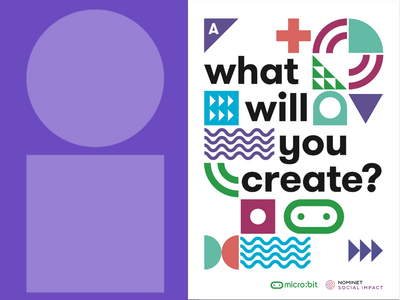
Three posters including a labelled micro:bit
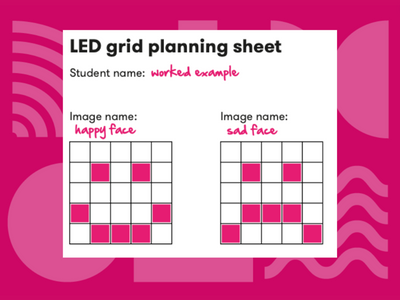
Plan designs for the micro:bit LED display
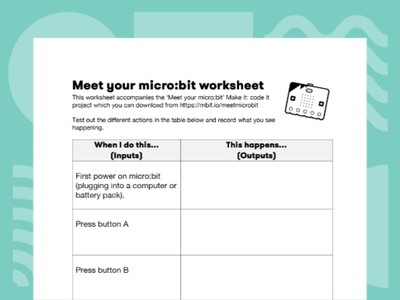
Find out what your micro:bit can do
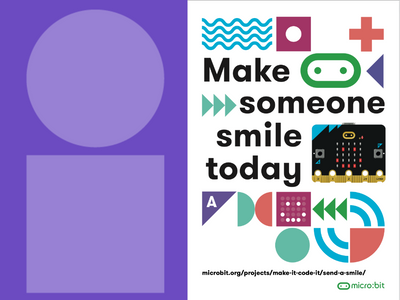
Three posters related to three micro:bit projects
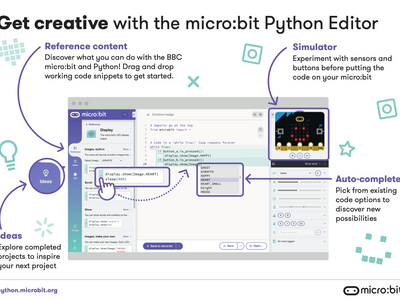
Our Python Editor supports student creativity!
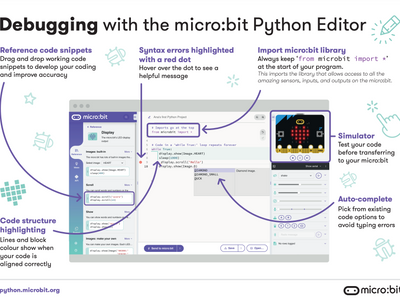
Our Python Editor supports debugging!
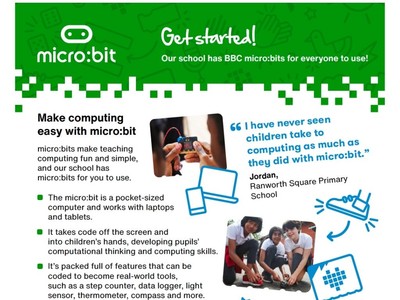
Share with colleagues to support them to try micro:bit activities
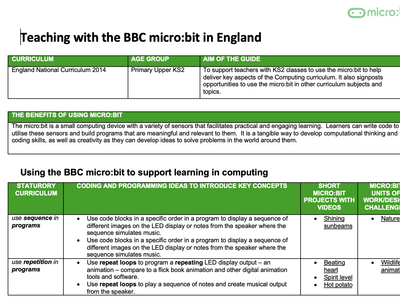
Use to support primary teaching
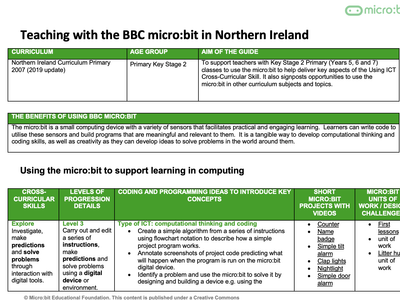
Use to support primary teaching
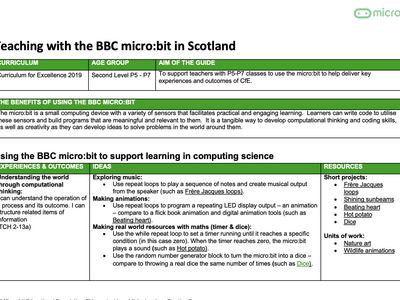
Use to support primary teaching
Use to support primary teaching
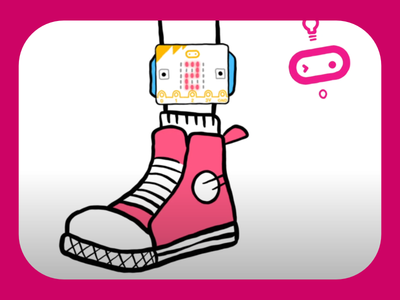
Learn about the micro:bit’s motion sensor
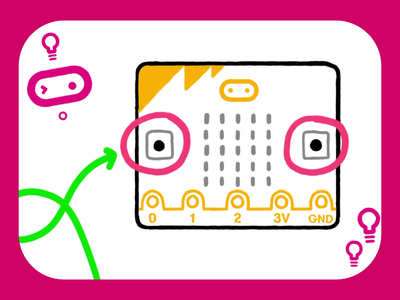
Learn about the micro:bit’s buttons
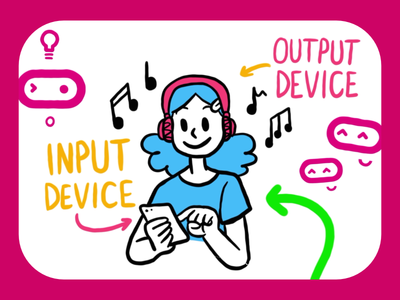
How information gets in and out of computers
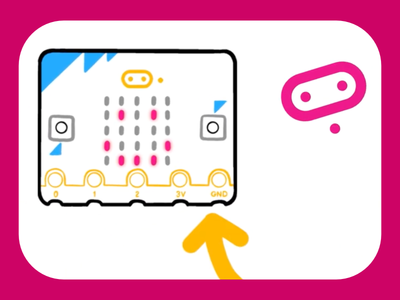
Find out about what the micro:bit can do
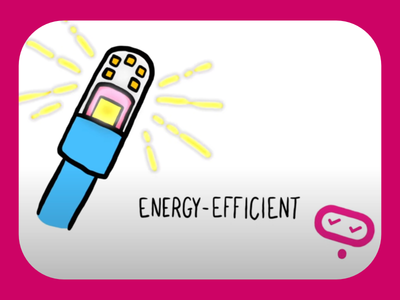
Learn about your micro:bit's LEDs

What can you do with the micro:bit’s light sensor?
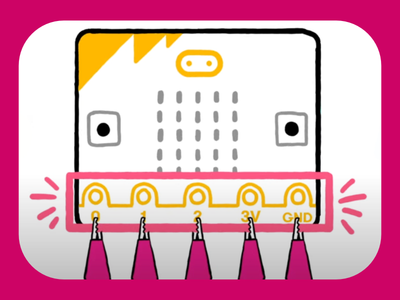
How pins allow you to get creative
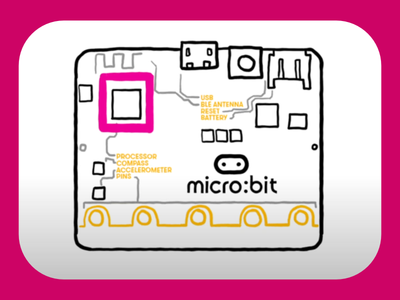
What is a processor and what does it do?
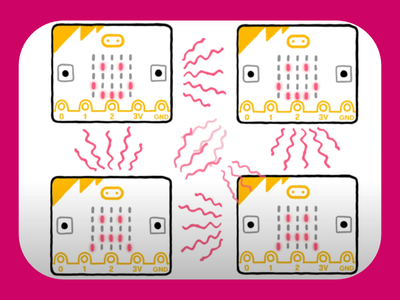
How micro:bits use radio waves to communicate with each other
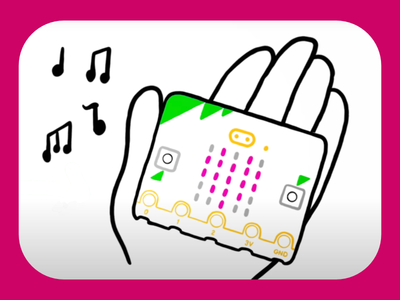
Find out about the microphone and speaker
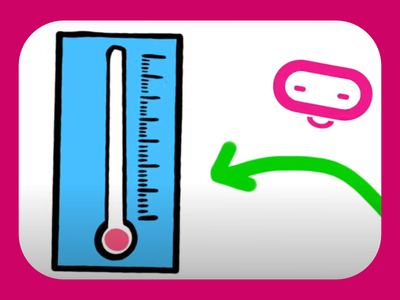
What can you do with the micro:bit’s temperature sensor?
An animated introduction to AI
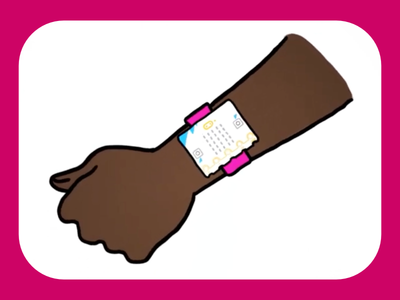
An animated introduction to machine learning
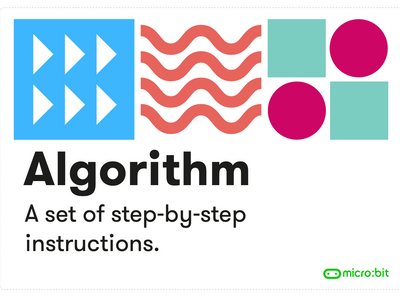
Posters that explain key terms in computing.
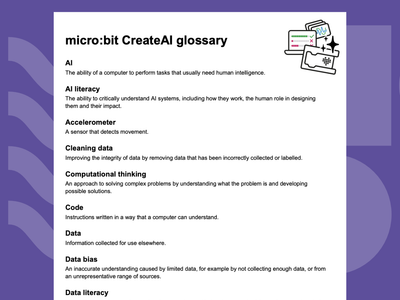
Key terms for AI and machine learning
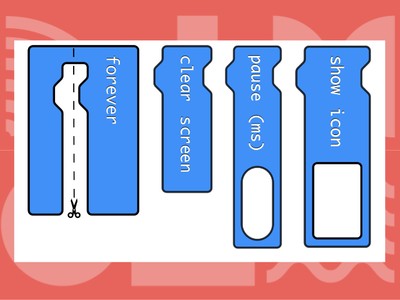
Printable MakeCode blocks for unplugged activities.
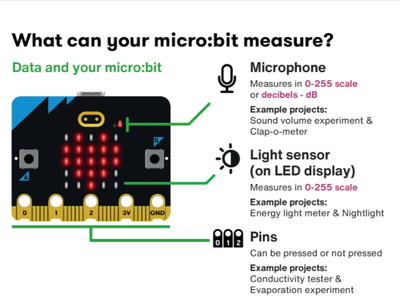
What can your micro:bit measure?
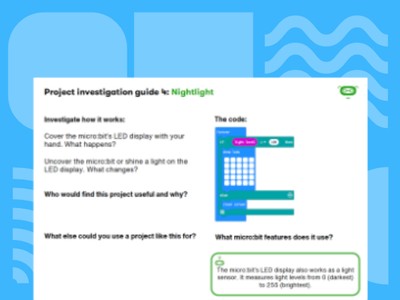
Introduce students to the micro:bit’s features using ready-made projects
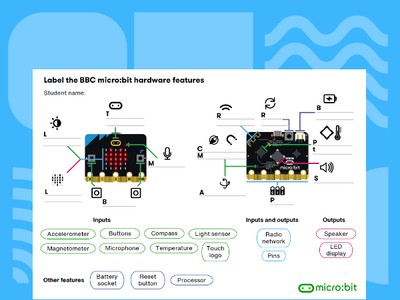
Label the features of the micro:bit on this worksheet.
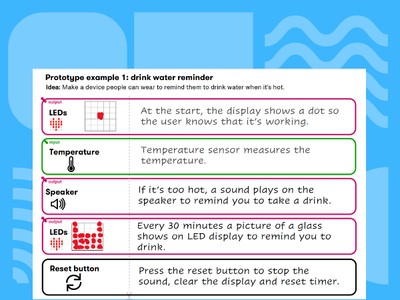
Enable your students to design technological solutions.