What is it?
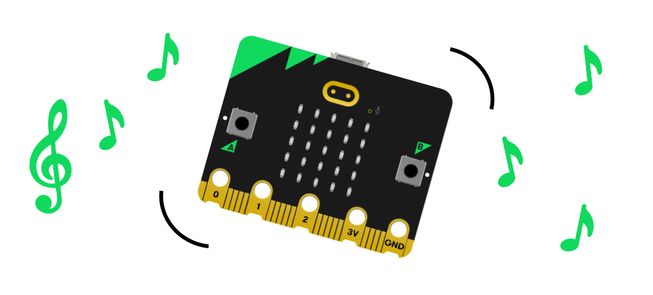
Shake your micro:bit to hear a cheerful tune. This project is ideal for students new to the micro:bit as it only uses two blocks.
How it works
- Your micro:bit contains an accelerometer which detects movements.
- When the accelerometer detects a shake gesture, the program instructs the micro:bit to play a tune.
- Inputs allow us to put data into a computer or device. In this project, the input is the shake gesture.
- An output is the processed information that is sent out from a computer. In this project, the output is the music that is played from the micro:bit’s speaker.
What you need
- a micro:bit
- MakeCode editor
- battery pack
- optional speaker and crocodile clips if you are using a micro:bit V1
Code your project
Here are the blocks you need to make the project - now put them together.
Step-by-step instructions
- Open the project to find the blocks you need using the buttons above.
- Find and select the play melody block.
- Put the play melody block inside the on shake block.
- Download the program to your micro:bit, attach a battery pack, and try it out!
Make it your own
- Try different tunes... Open the melody editor within the play melody block. Select the Gallery tab and choose a different pre-written tune to play. Which is your favourite?
- Play the tune faster or slower... Adjust the bpm (beats per minute) option inside the play melody block to a smaller number to play the tune more slowly. Or add a higher number to make the tune play more quickly. You can choose numbers from 40 to 500, either by using the sliding scale or typing them in.
Example of a completed project
Take a peek at some completed code.
Related projects
This project is part of a collection of inclusive projects for students with visual impairments.