Name badge
Lesson 1 of 6
MakeCode
7-11 yrs
Students create their first programs and transfer them to their micro:bits.
Key learning:
- Understand the micro:bit is a tiny computer which needs instructions in code to make it work.
- Understand that sets of instructions for computers in a sequence are also called algorithms or programs.
- Use the MakeCode editor to create instructions in code that the micro:bit can understand and then transfer them to the micro:bit.
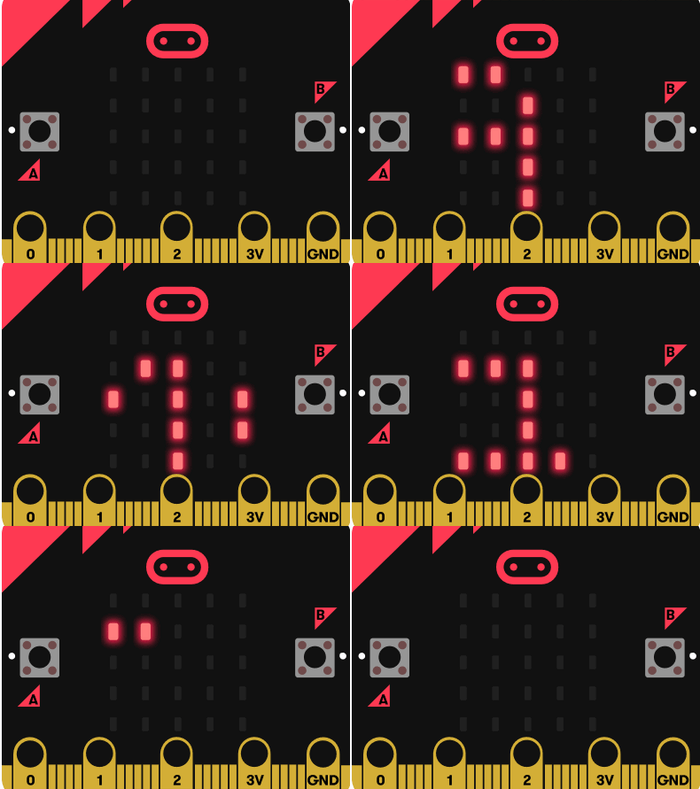
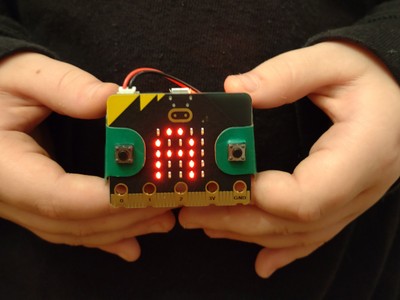
- Know the micro:bit has an LED display output which it can use to show words (as well as numbers and pictures).
Computational thinking:
Algorithms
Computer systems:
Input/output
Programming:
Iteration